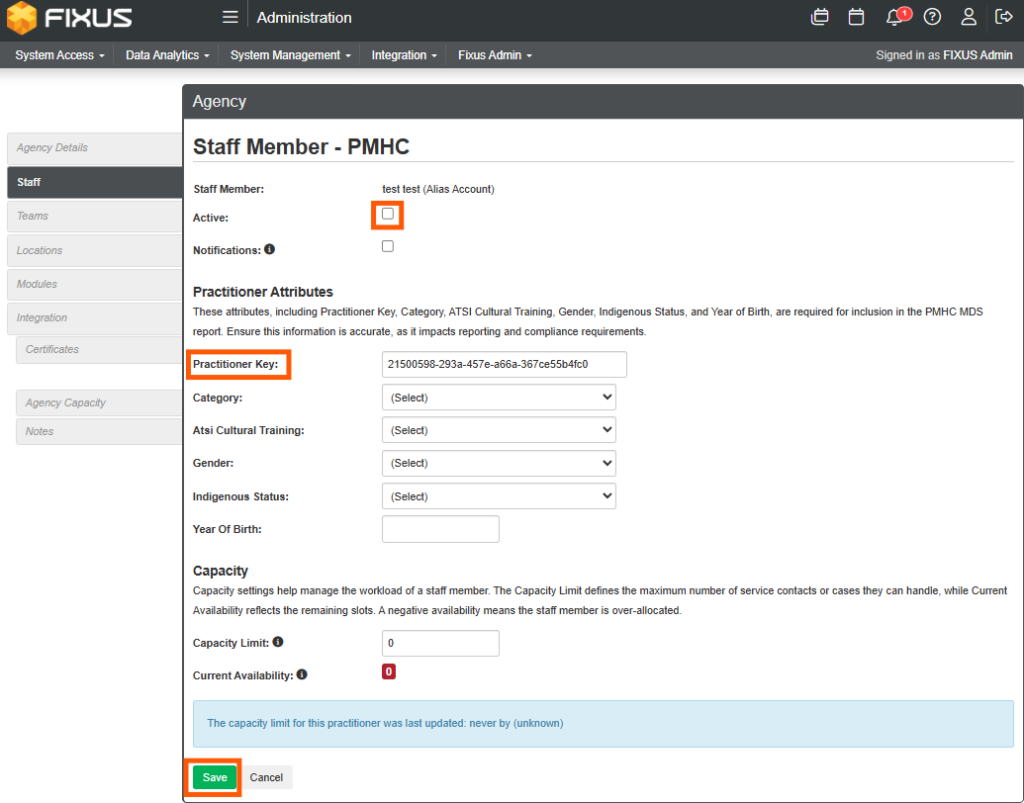
The process for setting up a user in Fixus is not as simple as creating a username and password. A alias user account must be created via the Admin permission, then accessed via the agency and given the necessary role/s (set of permissions).
Points to remember:
* A User MUST belong to an Agency.
* A User CAN belong to one or more Teams and have one or more Roles.
* A Team MUST belong to an Agency.
* A User CAN belong to a Team from a different Agency.
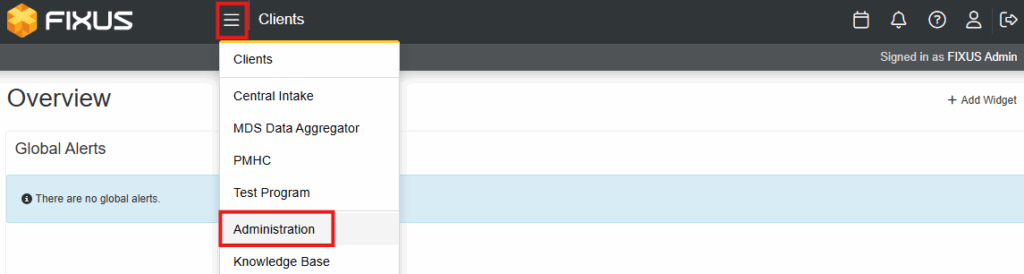
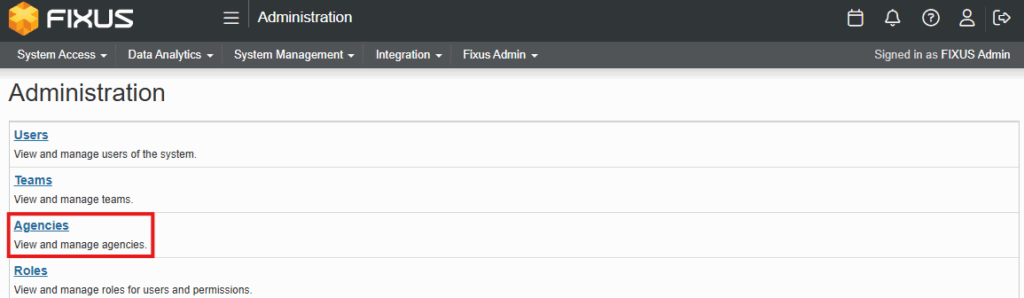
- From the Program menu select Administration.
- Click on Agencies in the sub menu.
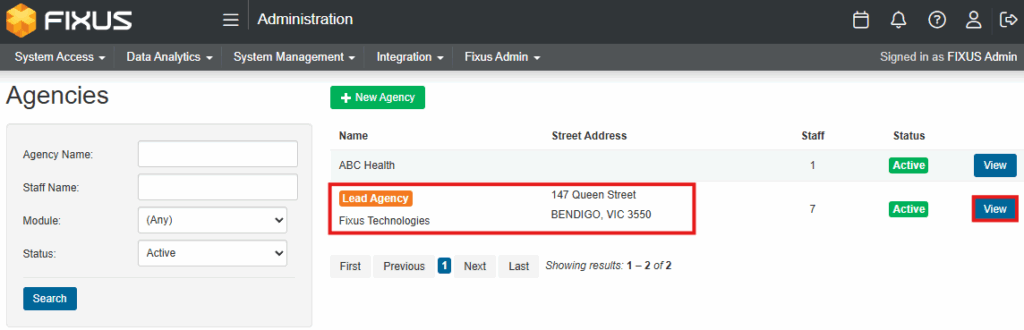
- Click View on the Agency the user will belong to.
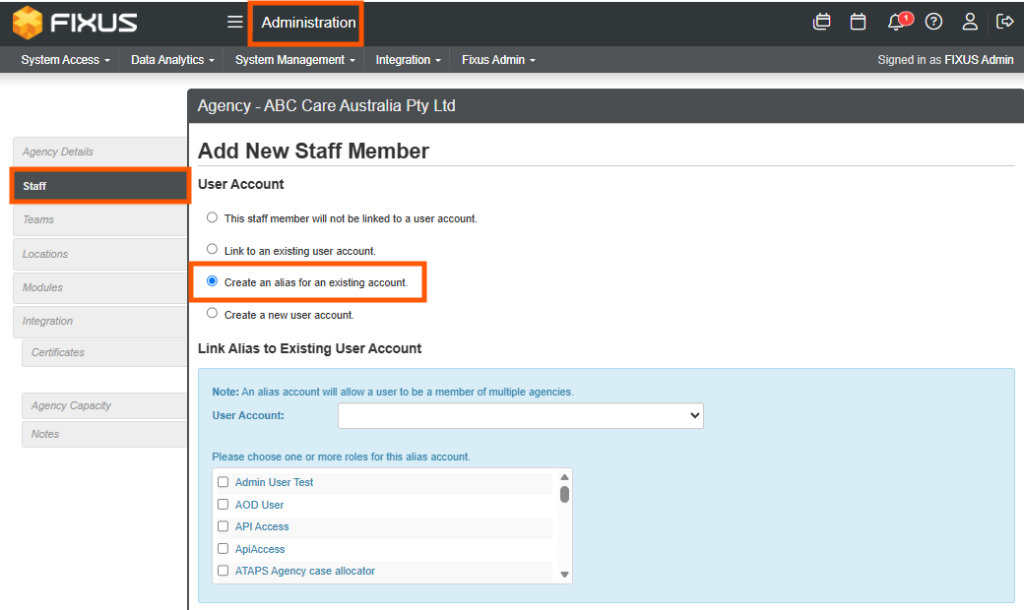
- Click Staff from left side menu.
- Click + Add staff member.
- Select Create an alias for an existing account.
- Select the required user from the dropdown User Account list.
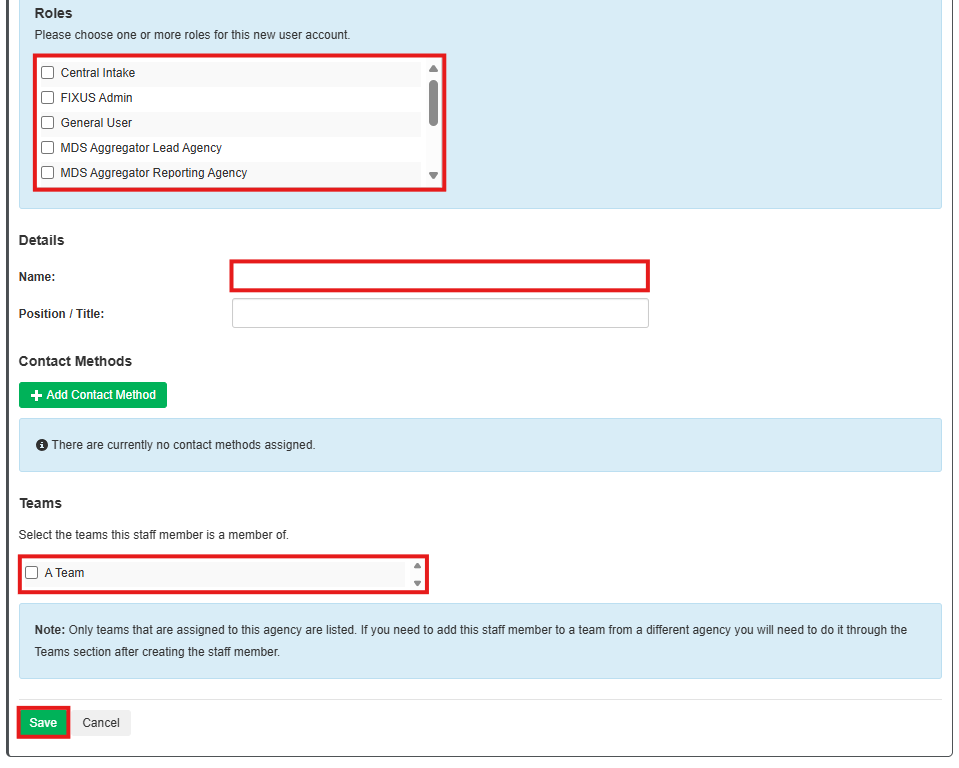
- The user Name and Contact Method will pre-populate (update if required)
- Select Roles the user will require.
- Select Teams the staff member will be part of.
- Click Save.
- Once created the Alias account can be selected via the User Profile icon and the additional modules accessed through this alias account.
- Once saved, add in the required module access by selecting the module then Update.
- Select Active to activate the user within that module and Notifications to receive communications on staffing assignments (usually reserved for Team Leaders or Management). During the process a new Practitioner Key is also created automatically.