
Multi-Factor Authentication (MFA), sometimes referred to as Two-Factor Authentication (2FA), is a security regime that verifies your identity by challenging you to provide more than just a username and password. MFA requires other additional credentials, such as a code from your smartphone, or your fingerprint, or facial imprint.
MFA makes it harder for an unauthorised person to gain access to your Fixus account.
Getting set up
The next time you access your Fixus account, you’ll be guided through the multi-factor authentication setup process. You will need to choose one of the available authentication options. This will become your second factor to be used when signing in.
Note: the Fixus Administrator may Enforce MFA on an account (if this is the case the ‘Skip this for now’ button will not be visible)
Yubikey
- Sign in to your Fixus account as normal, using your email address and password.
- When you click on the Login button a screen will appear asking you to provide a code from your YubiKey*.
- Insert your Yubikey* into the computer and tap it to generate the code.
- Click on the Login button and you are finished.
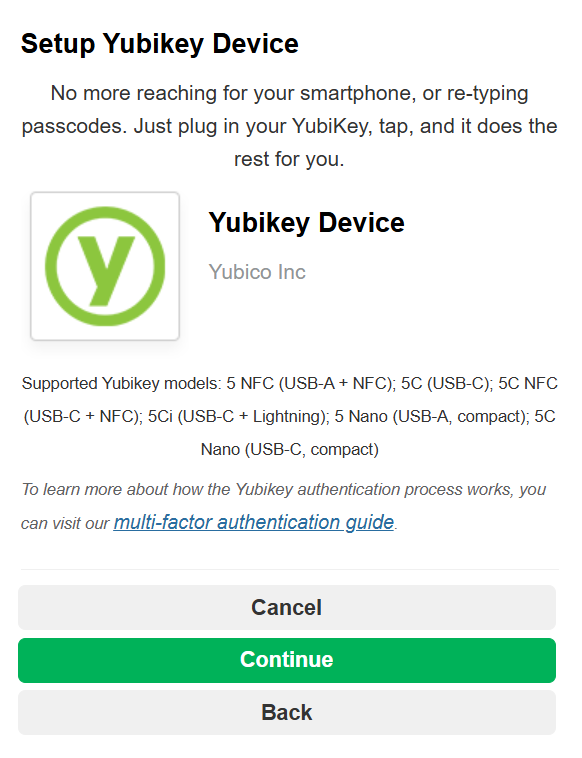
*YubiKey Models currently supported by Fixus:
- YubiKey 5C Nano (USB-C, Compact)
- YubiKey 5 NFC (USB-A + NFC)
- YubiKey 5C (USB-C)
- YubiKey 5C NFC (USB-C + NFC)
- YubiKey 5Ci (USB-C + Lightning)
- YubiKey 5 Nano (USB-A, Compact)